

TORI - Friendly Photo Editor


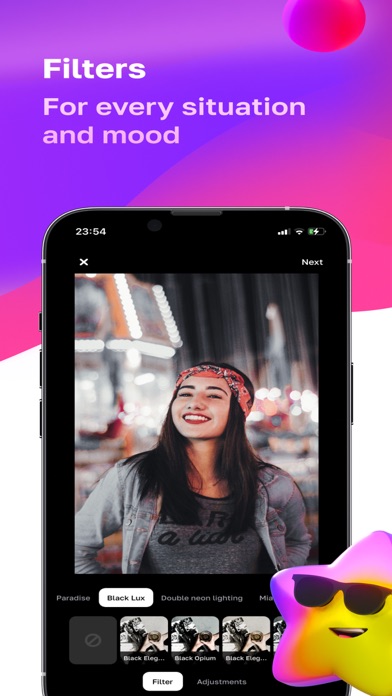
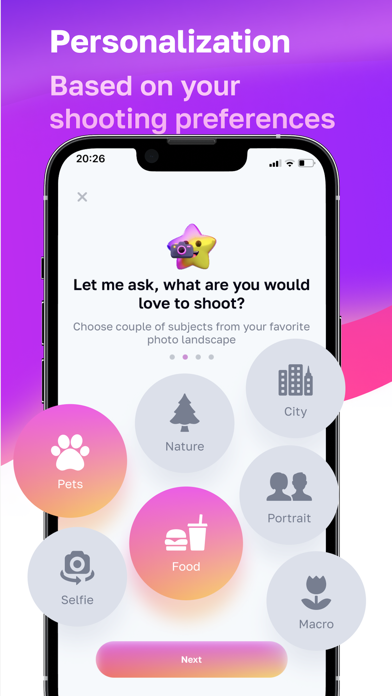
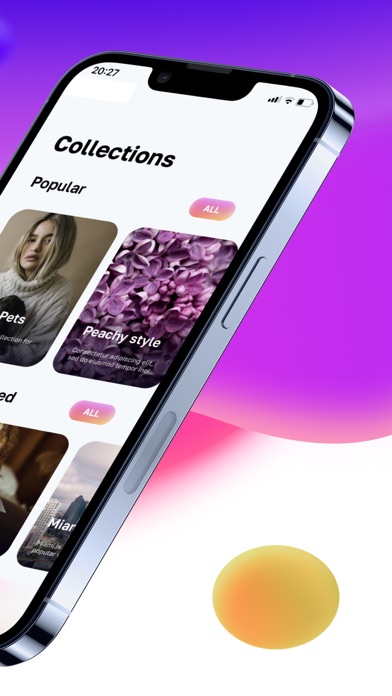

Discover TORI - Friendly Photo Editor for Mac. Read our comprehensive review of its aesthetic filters, smart recommendations, and professional design tools.
A New Approach to Mac Photo Editing
TORI - Friendly Photo Editor brings a fresh, aesthetic-focused approach to desktop image enhancement. Developed by FANCY TECH, LLC, this design-centric application is tailored specifically for creators who value visual harmony but want to skip the steep learning curve of traditional editing suites. Built natively for the Mac platform, it bridges the gap between quick mobile-style filtering and robust desktop precision.
Smart Aesthetic Guidance and Curated Collections
What sets this software apart is its helper assistant concept. Instead of presenting you with hundreds of cluttered, unorganized presets, the application guides you through carefully curated collections crafted by professional photographers. Whether you are aiming for a vintage film look, a clean minimalist vibe, or vibrant modern tones, the platform helps you identify the perfect style for your specific image context.
- Intelligent Recommendations: The system analyzes your preferences and the timing of your photography to suggest collections that match your current creative mood.
- Direct Professional Advice: Every collection features integrated tips explaining how to best apply the filters to achieve optimal lighting and color balance.
- Instant Previews: A streamlined before-and-after comparison toggle lets you evaluate your adjustments instantly.
Professional Design Adjustments at Your Fingertips
Beyond its signature filters, TORI - Friendly Photo Editor provides a suite of professional-grade instruments for fine-tuning. Users can manipulate RGB channels, adjust saturation and vibrance, apply subtle vignettes, or use creative color overlays to give their photography a distinct, artistic edge. Because the app is fully integrated into the Apple ecosystem, your editing history and favorite presets sync seamlessly across your compatible macOS devices, ensuring a continuous workflow from your iMac to your MacBook.
Is It Right for You?
If you want to elevate your design portfolio or social media presence without spending hours adjusting complex sliders, this utility offers an elegant, time-saving solution. It is particularly well-suited for lifestyle bloggers, digital designers, and social media managers who require consistent, high-quality visual branding with minimal effort.
To experience this streamlined creative workflow for yourself, you can find the application available on the Mac App Store.