

Swish (Stock Desktop Widget)
Read our expert review of Swish (Stock Desktop Widget) for Windows. Track real-time market data directly from your desktop with this clean, efficient tool.
Monitor the Markets Without Switching Tabs
Imagine you are in the middle of a critical coding session, writing a report, or designing a presentation. Suddenly, you feel the urge to check how your portfolio is performing. Instead of breaking your concentration to open a heavy browser window, log into a financial portal, and search for your tickers, imagine having your key assets floating elegantly on your screen. The Swish (Stock Desktop Widget) market tracker makes this seamless workflow a reality for Windows users, offering a lightweight, elegant solution to keep financial data always within your line of sight.
Streamlined Market Tracking Directly on Your Desktop
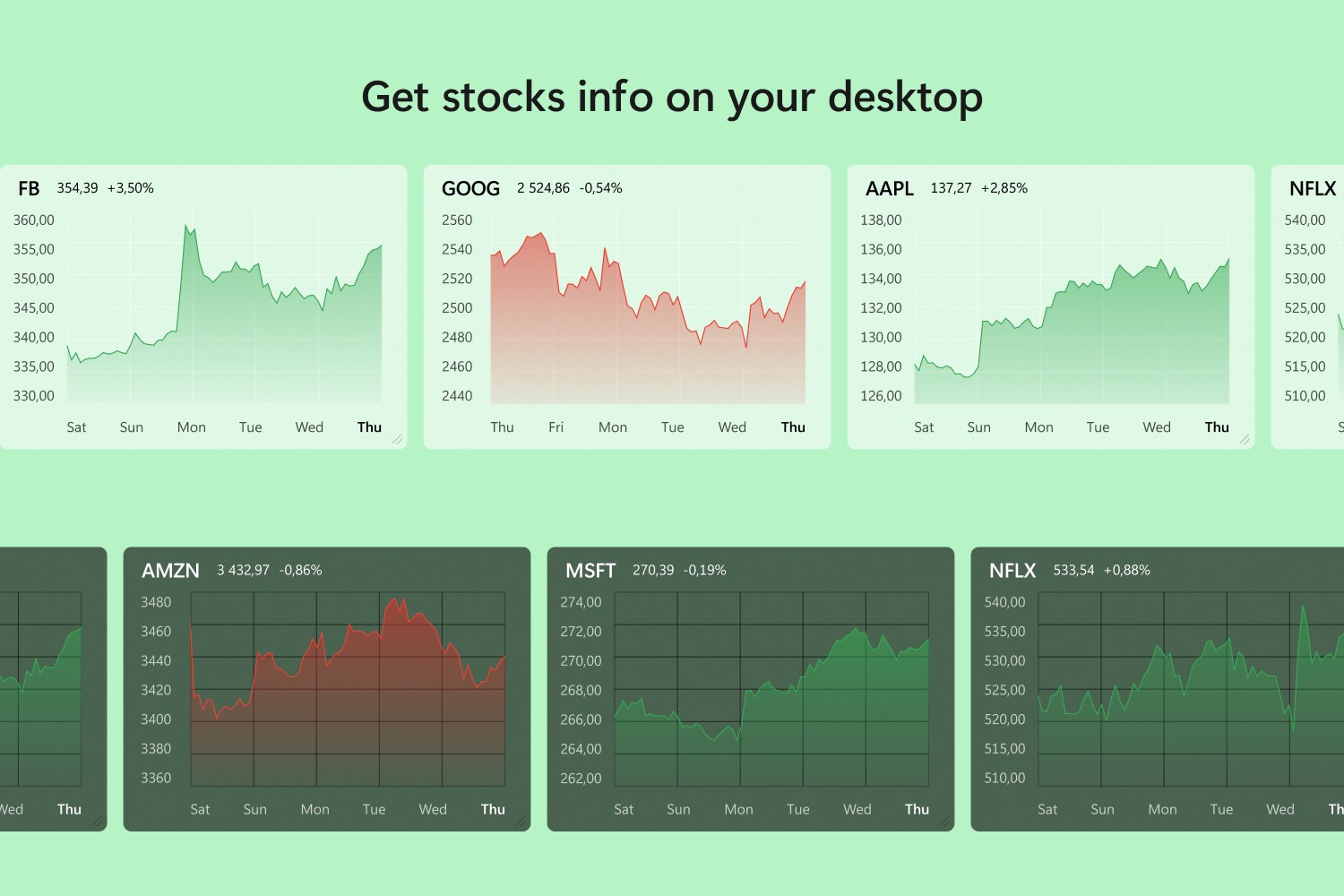
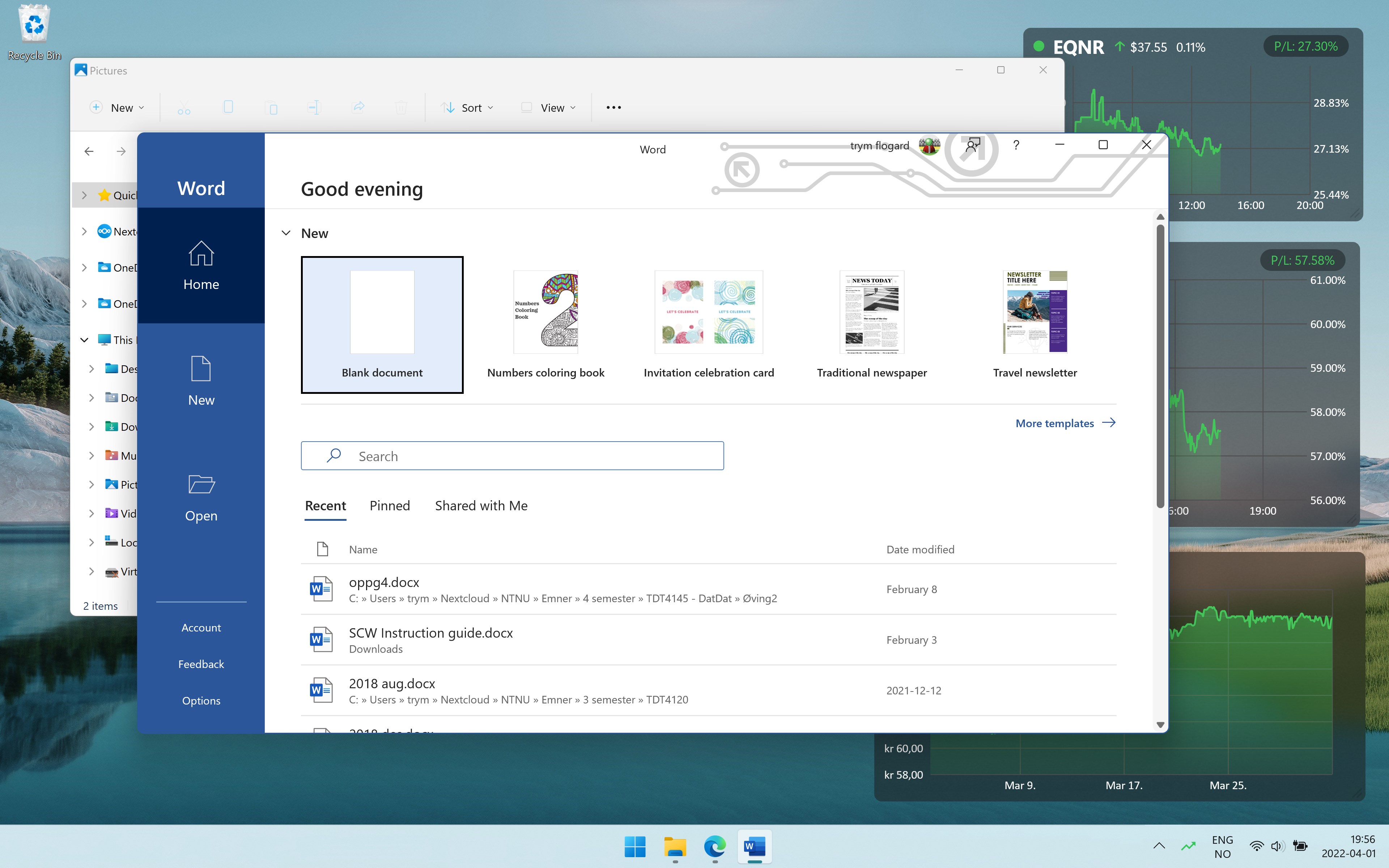
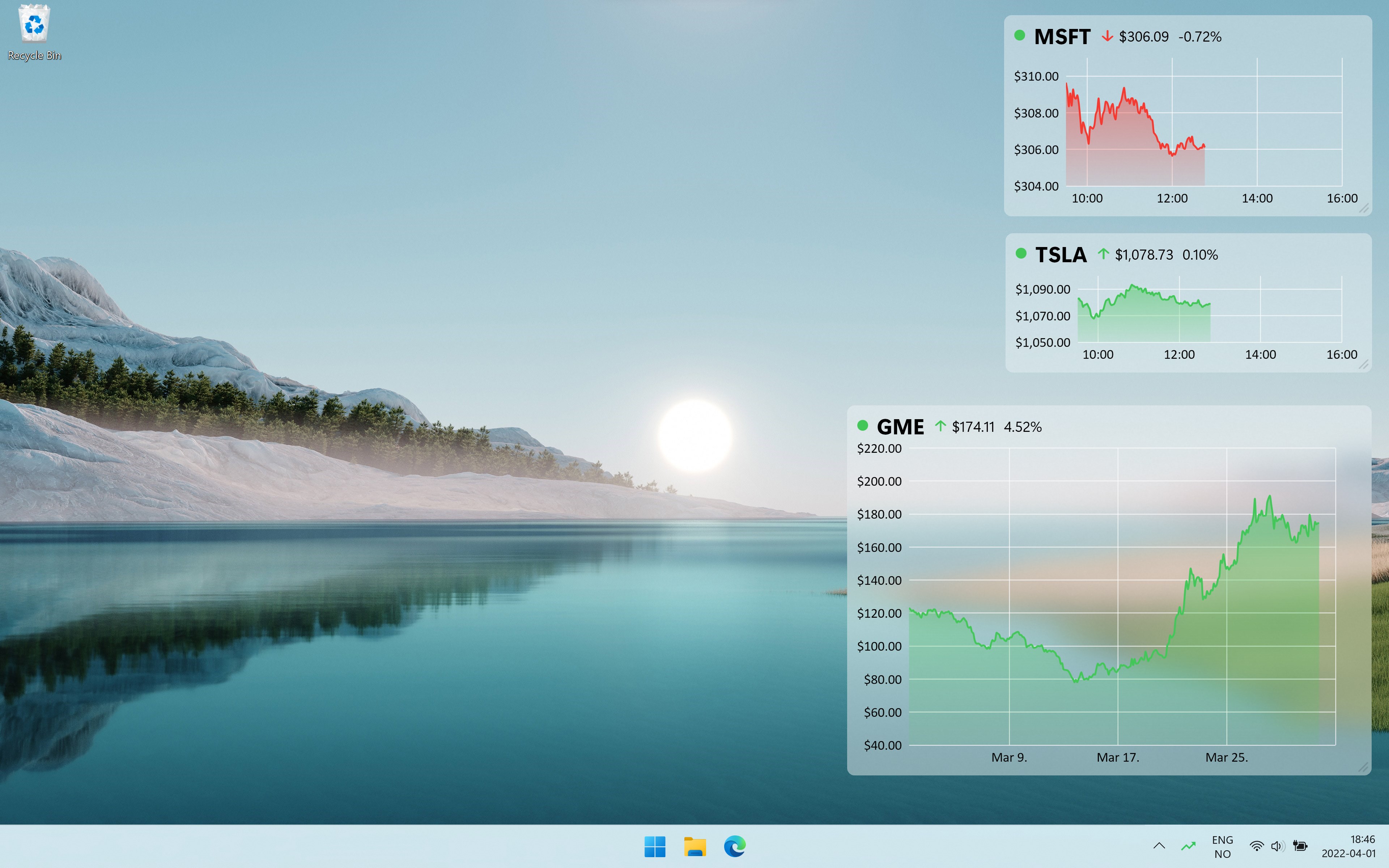
Developed by Konfluent AS, Swish is a dedicated finance application designed specifically for the Windows 11 Fluent UI aesthetic. It allows users to place highly customizable, real-time widgets anywhere on their desktop screens. Whether you are tracking major equities, tracking a volatile cryptocurrency, or keeping tabs on a global index, this utility provides the vital statistics you need without any of the typical system bloat.
Key Features of the Free Version
- Multi-Widget Support: Configure up to three distinct stock widgets from major exchanges like Nasdaq, NYSE, and Euronext, plus one additional instrument such as a cryptocurrency, ETF, or index.
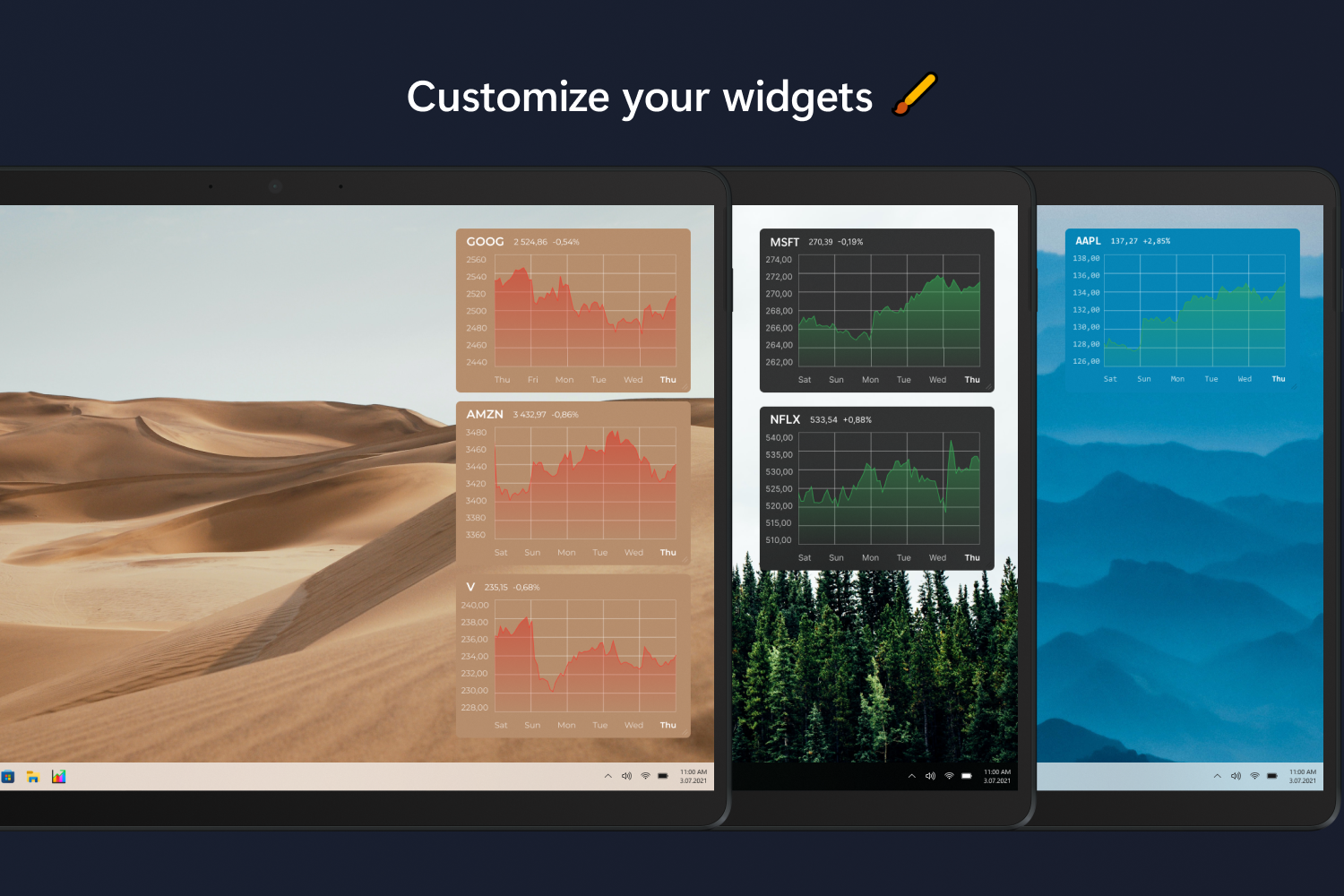
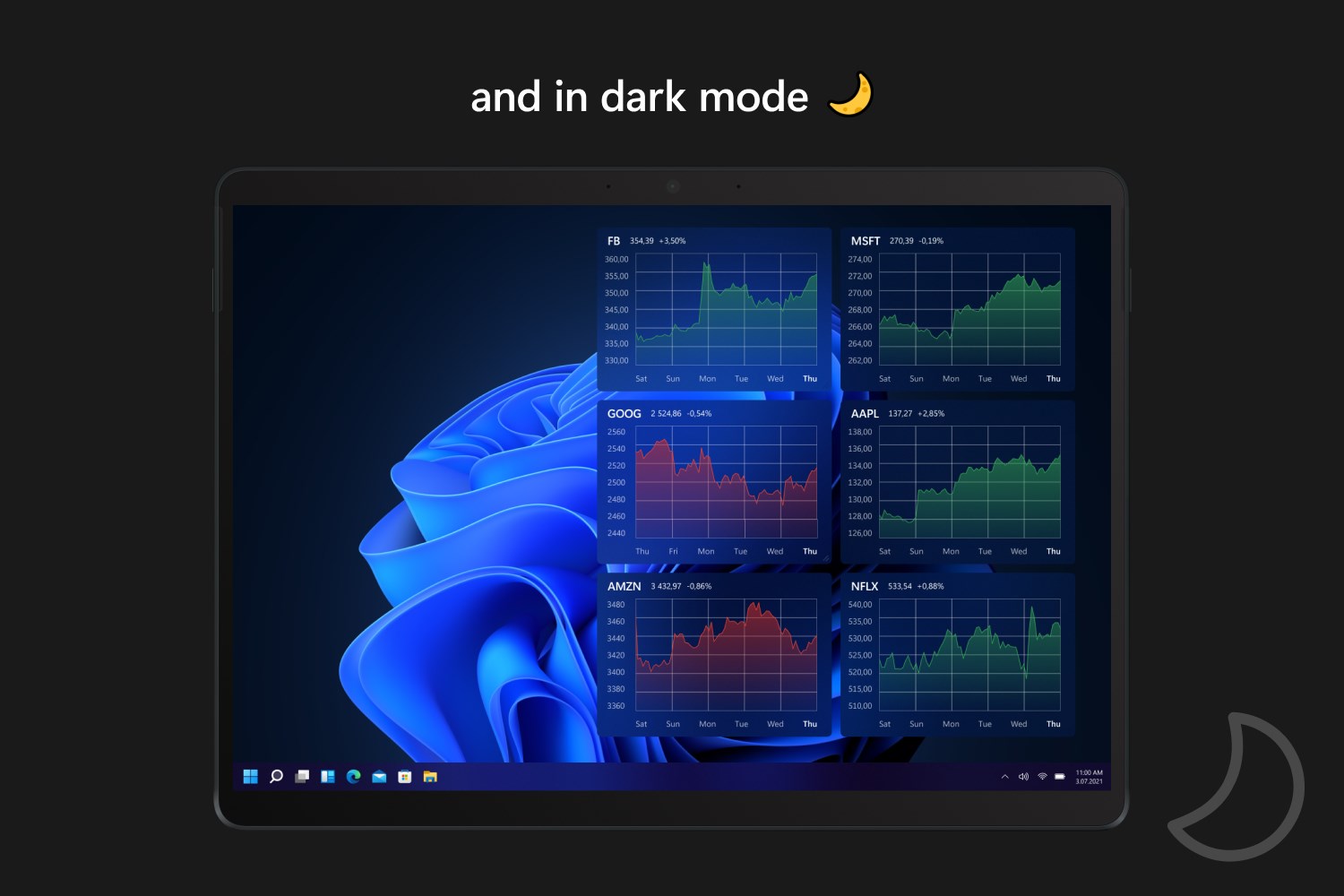
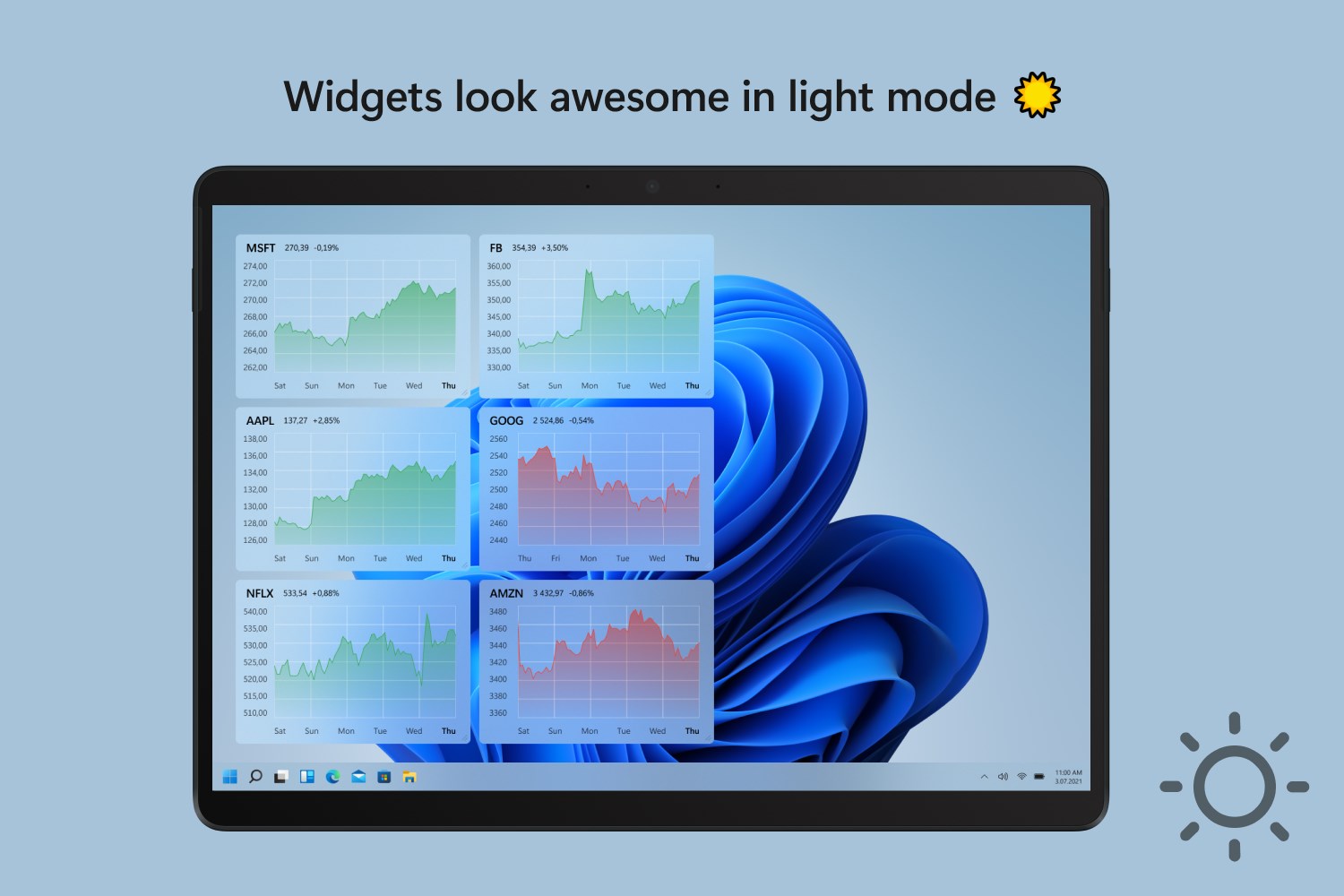
- Deep Aesthetic Customization: Adjust font sizes, text colors, and transparency levels to make sure your financial data remains readable against any desktop wallpaper.
- High Performance: Built to be exceptionally resource-efficient, maintaining low CPU and RAM usage so your workstation runs smoothly.
- Simulated Holdings: Input your personal transactions to monitor your real-time profits and losses directly on your screen.
Unlocking Advanced Analytics with Swish PRO
For active traders and professional investors who require deeper insights, the optional premium upgrade expands the utility significantly. Upgrading to the PRO version unlocks unlimited widgets, extended historical timeframes (ranging from six months up to "all time"), and advanced chart types like candlestick and OHLC bars. It also introduces pre-market and post-market data streams, along with threshold-based price alerts to ensure you never miss a pivotal market move.
Who Is This Desktop Widget For?
The Swish (Stock Desktop Widget) market tracker is an ideal tool for casual investors, day traders, and finance enthusiasts who want to maintain situational awareness of the markets without sacrificing screen real estate or productivity. Its clean integration with the Windows environment makes it feel like a native operating system feature rather than third-party clutter.
Our Editorial Verdict
By focusing on efficiency, clean design, and essential data presentation, Konfluent AS has delivered a highly practical desktop companion for Windows users. If you are looking to streamline your financial monitoring routine, we highly recommend exploring this utility. You can find more information and evaluate the application for yourself by visiting the official Microsoft Store page.