
Saber
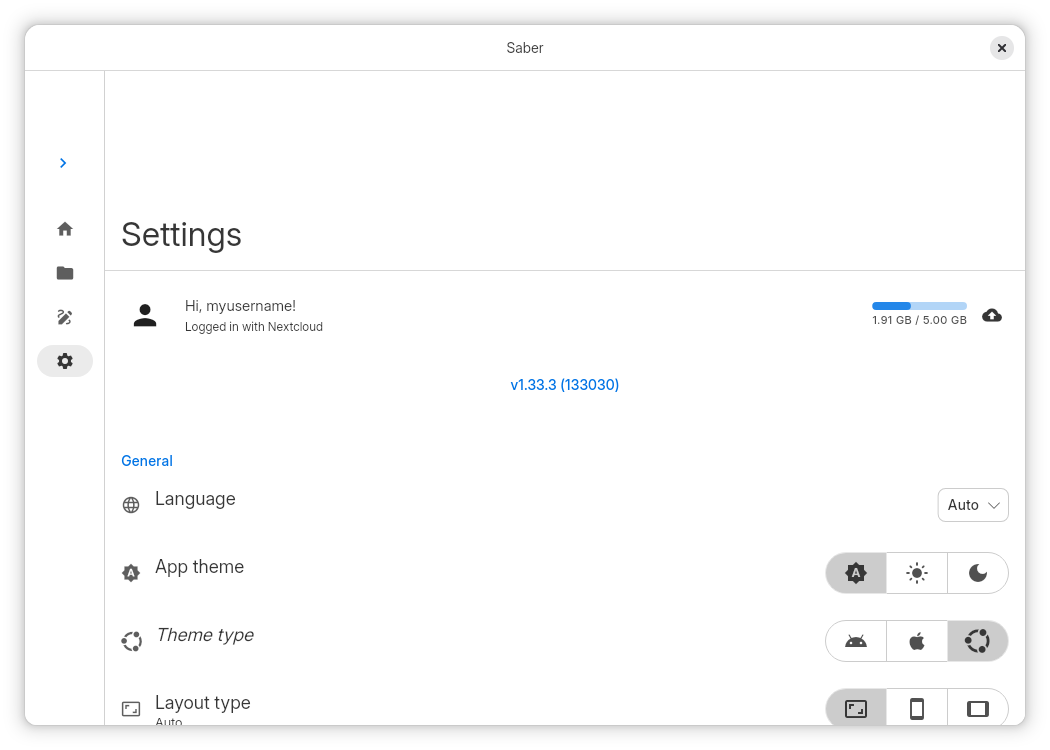
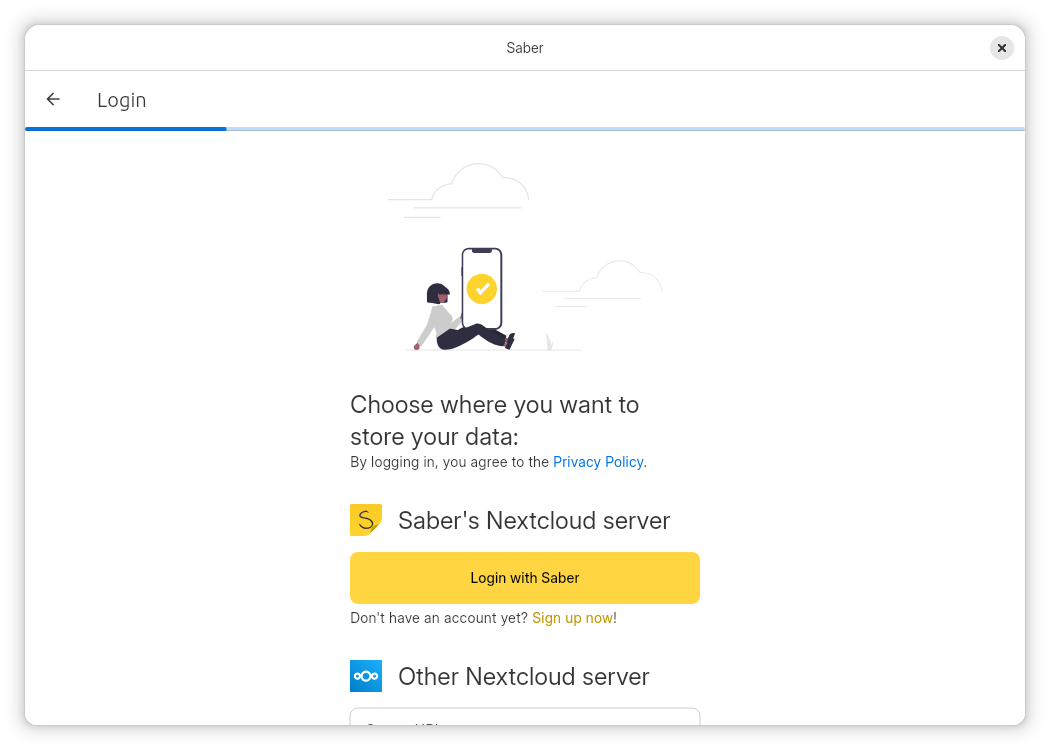
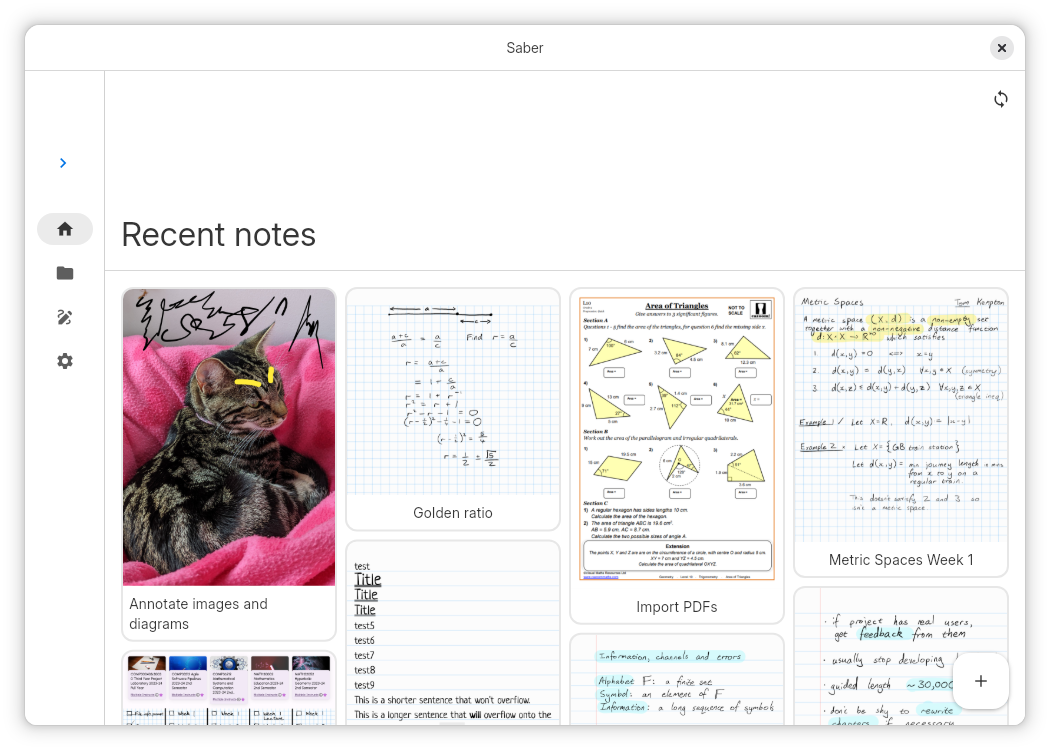
Discover Saber, the open-source handwriting note app for Linux. Read our review on its unique dark mode inversion, infinite folders, and smart highlighter.
While most digital note-taking solutions treat handwriting as an afterthought, the Saber handwriting note app is engineered from the ground up specifically for stylus and touch input. Built by developer Adil Hanney for the Linux platform, this open-source utility stands out immediately by solving the common, frustrating quirks found in mainstream note-taking software.
The Smart Solution for Dark Mode Note-Taking
One of the most innovative features of the Saber handwriting note app is its intelligent color inversion engine. Traditional apps simply darken the user interface while leaving your imported PDFs, textbook screenshots, or white pages glaringly bright. Saber automatically inverts your notes, imported images, and PDF documents when you switch to dark mode. This allows you to write with clean white ink on a soft black background, protecting your eyes during late-night study sessions or in dimly lit lecture halls.
A Better Approach to Highlighting and Organization
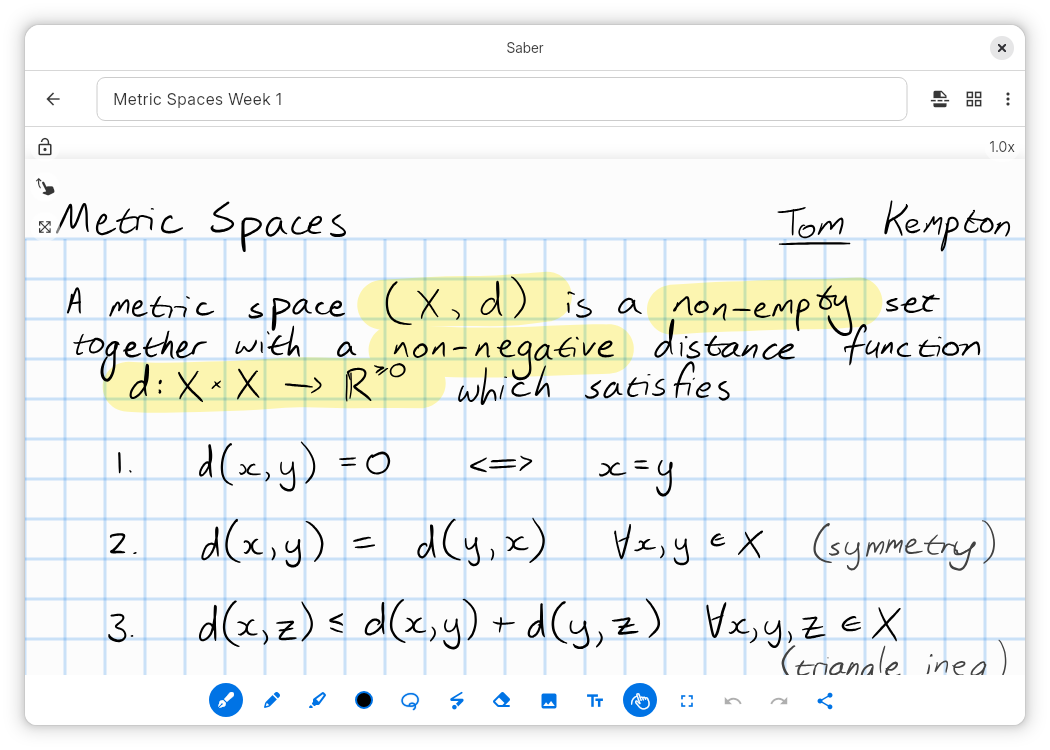
For students and professionals working with complex documents, traditional digital highlighters are often frustrating. They frequently overlap, causing distracting color build-up, or render on top of text, making the underlying words hard to read. The Saber handwriting note app addresses this by utilizing advanced canvas compositing. The highlighter behaves just like real ink on paper—maintaining a consistent, transparent color that sits perfectly behind your text and handwritten equations.
Key Features of Saber:
- True Open-Source Transparency: Unlike proprietary alternatives, Saber's complete source code is open for public review, ensuring absolute transparency regarding how your data is handled.
- Secure Dual-Password Encryption: Protect your personal notes with a robust dual-password system that keeps your data safe, even if the hosting server is compromised.
- Flexible Cloud Hosting: Sync seamlessly across your devices using the official Saber server, a third-party host, or your own self-hosted setup.
- Infinite Nested Folders: Organize your workspace without limits by creating folders within folders, while keeping your most recent documents instantly accessible on the home screen.
Is the Saber Handwriting Note App Right for You?
If you are a Linux user seeking a private, highly organized, and visually comfortable digital notebook, Saber offers an exceptional experience. It eliminates the visual clutter and privacy concerns associated with mainstream proprietary apps, making it an excellent companion for students, researchers, and creative professionals alike.
To experience this streamlined digital handwriting tool for yourself, head over to the official Flathub store page to explore its features and integrate Saber into your daily workflow.