

DVD Player - Video & Media Player

Read our comprehensive review of DVD Player - Video & Media Player for Windows. Discover its features, format compatibility, and media playback performance.
Picture this: you have gathered your family for a cozy movie night, retrieved your favorite classic disc from the shelf, only to find that your modern PC lacks the native software to play it. This common frustration is exactly where DVD Player - Video & Media Player steps in, offering Windows users a reliable, streamlined way to enjoy physical media and digital files alike without the headache of missing codecs.
Comprehensive Disc and File Compatibility
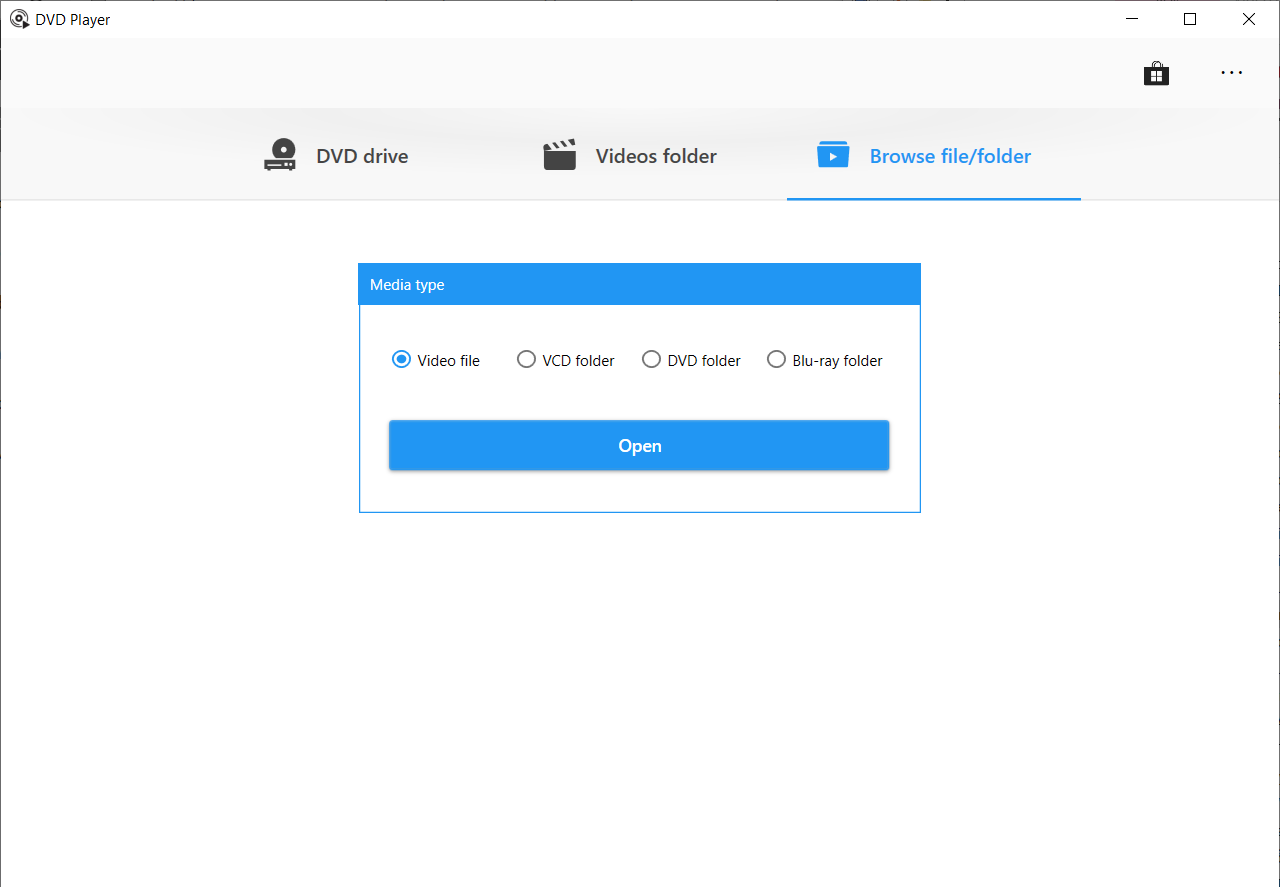
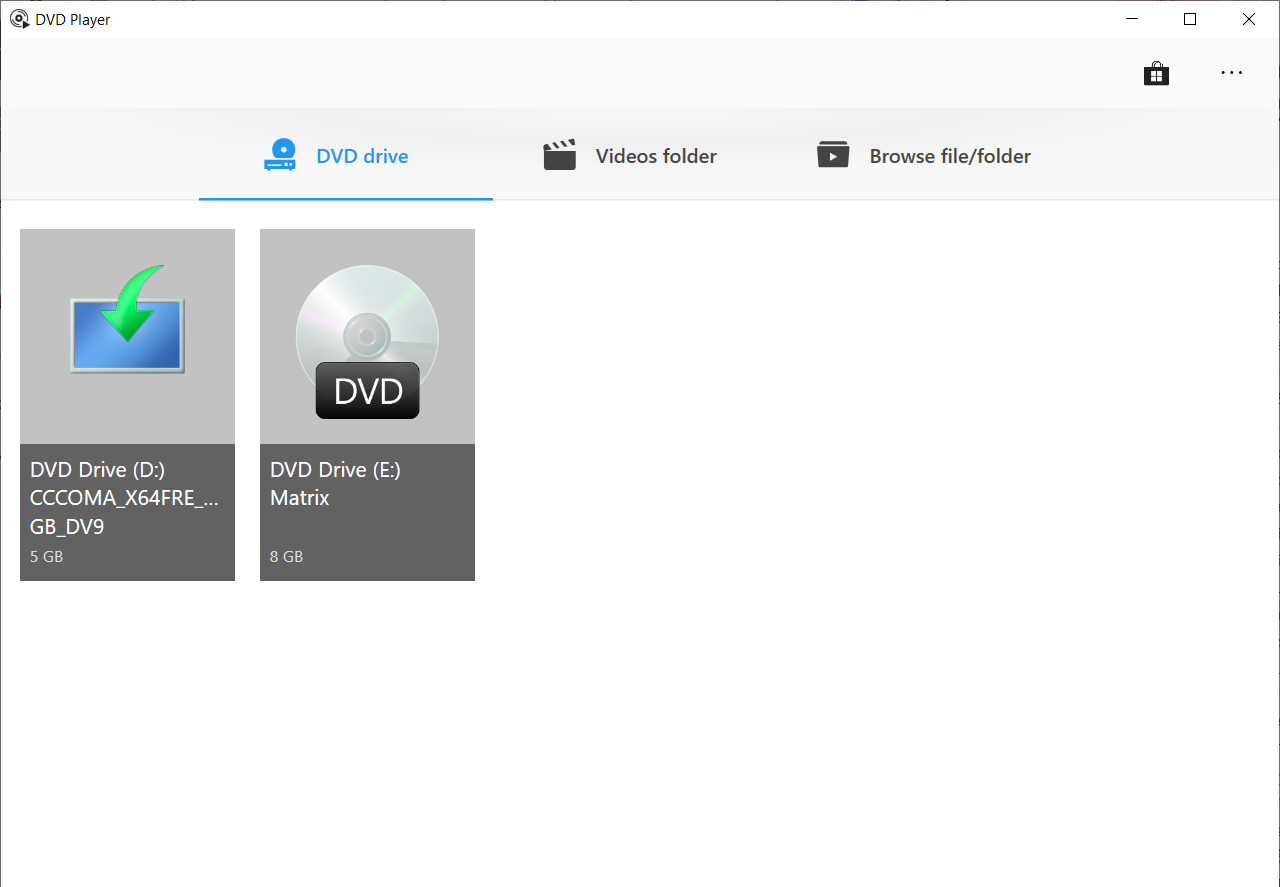
Developed by AI Photo Editor Lab, this utility serves as a versatile hub for your physical and digital libraries. Whether you are inserting a standard DVD, a VCD, or a Blu-ray disc, the software initializes the media quickly, bypassing the complex setup processes often associated with traditional desktop players. It also handles ISO disc images directly, allowing you to access archived backups without needing to burn them to physical media first.
Broad Format Support Beyond Discs
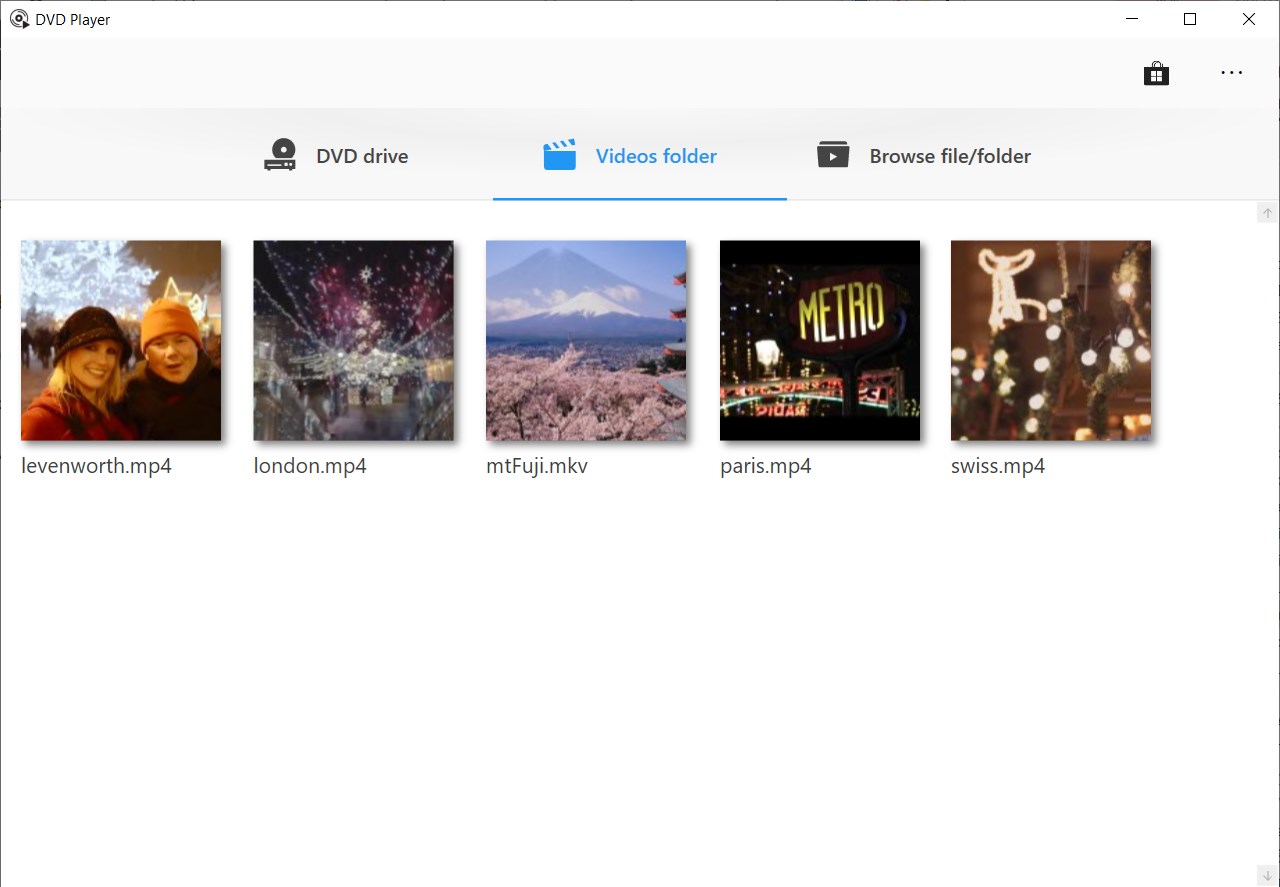
While physical discs are its namesake, DVD Player - Video & Media Player functions exceptionally well as a daily video player. It natively supports a vast library of digital file extensions, including:
- Standard formats: .mp4, .mkv, .avi, .mov, and .wmv
- High-definition broadcast formats: .mts, .m2ts, .ts, and .tp
- Legacy and web formats: .mpeg, .mpg, .flv, .asf, and .3gp
Key Features for an Enhanced Viewing Experience
A great media player must offer more than just playback; it needs customization. This application provides several convenient tools to tailor your viewing:
- Audio & Subtitle Selection: Easily toggle between different language tracks, commentary tracks, or built-in subtitle streams included on your discs.
- External Subtitle Integration: Import external subtitle files directly into the player to sync custom translations or closed captions.
- Clean Navigation Interface: A minimalist control overlay ensures that your screen remains clutter-free, letting you focus entirely on your movie.
Who Is This Media Player For?
If you are running Windows 10 or Windows 11 and want a straightforward, no-nonsense application to handle your physical disc collection and downloaded video files, this software is highly suitable. It eliminates the need to install multiple third-party codec packs, making it an excellent choice for users who prefer an all-in-one media environment. Additionally, those who work with the broader Movie Maker Suite will find integrated value, though accessing the suite's full creative toolkit requires installing companion applications.
Our Verdict
DVD Player - Video & Media Player succeeds in bringing simple, reliable disc playback back to the modern Windows ecosystem. With its clean layout, strong codec support, and helpful subtitle features, it is a practical tool for any home cinema setup. To try it out for your next movie night, head over to the official Microsoft Store to explore its features further.