

DuckDuckGo Browser with Duck.ai
Read our comprehensive review of the DuckDuckGo privacy browser for Windows. Discover how its built-in tracking protection and Duck.ai keep your search private.
Why the DuckDuckGo Privacy Browser Changes the Game
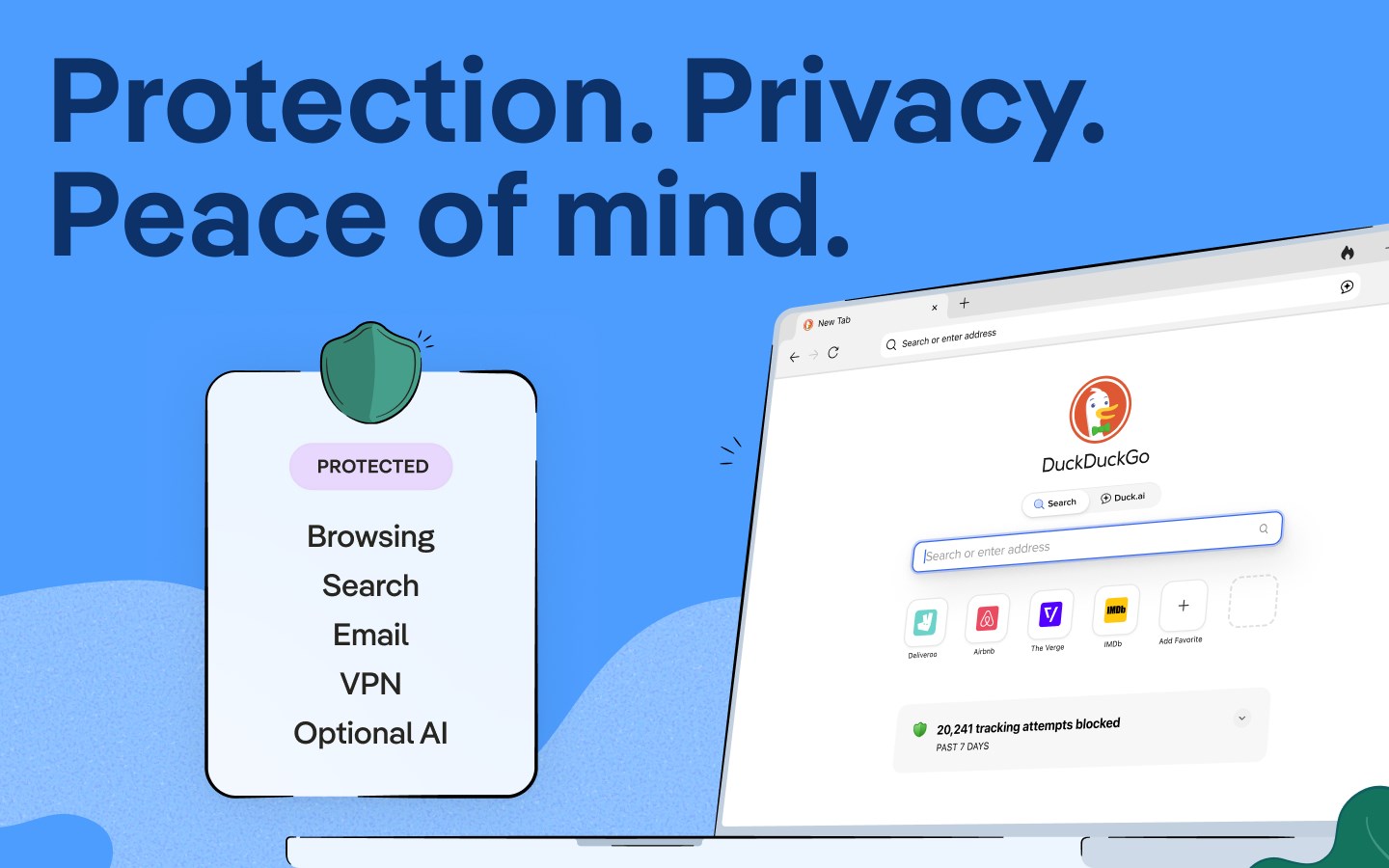
Most modern browsers treat your personal data as a commodity. The DuckDuckGo privacy browser takes a completely different approach by stopping data collection before it even starts. Developed by Duck Duck Go, Inc. for the Windows platform, this desktop application integrates seamless web tracking protections with private AI features, offering a refreshing alternative to mainstream, data-hungry browsers.
Robust Security Without the Configuration Hassle
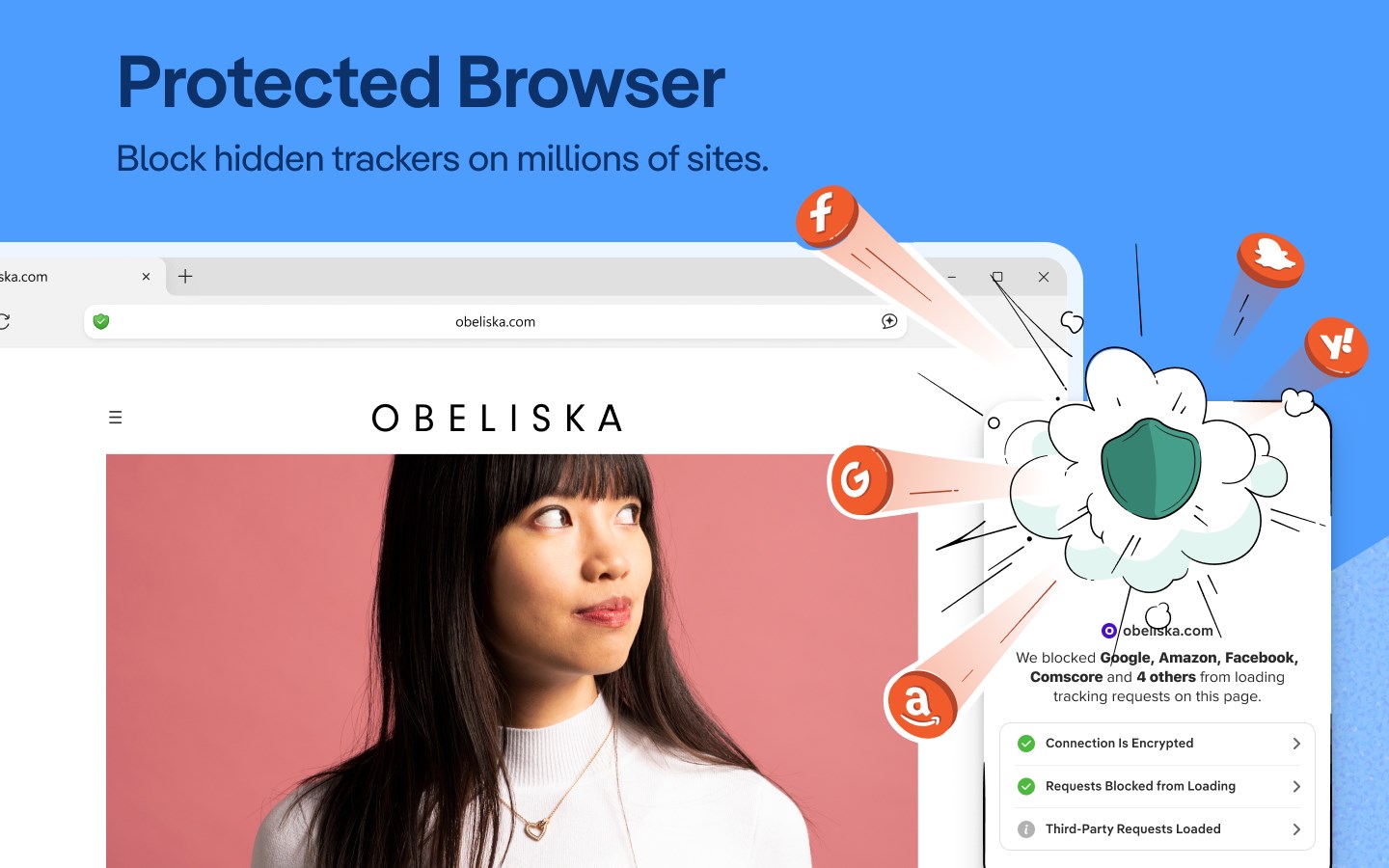
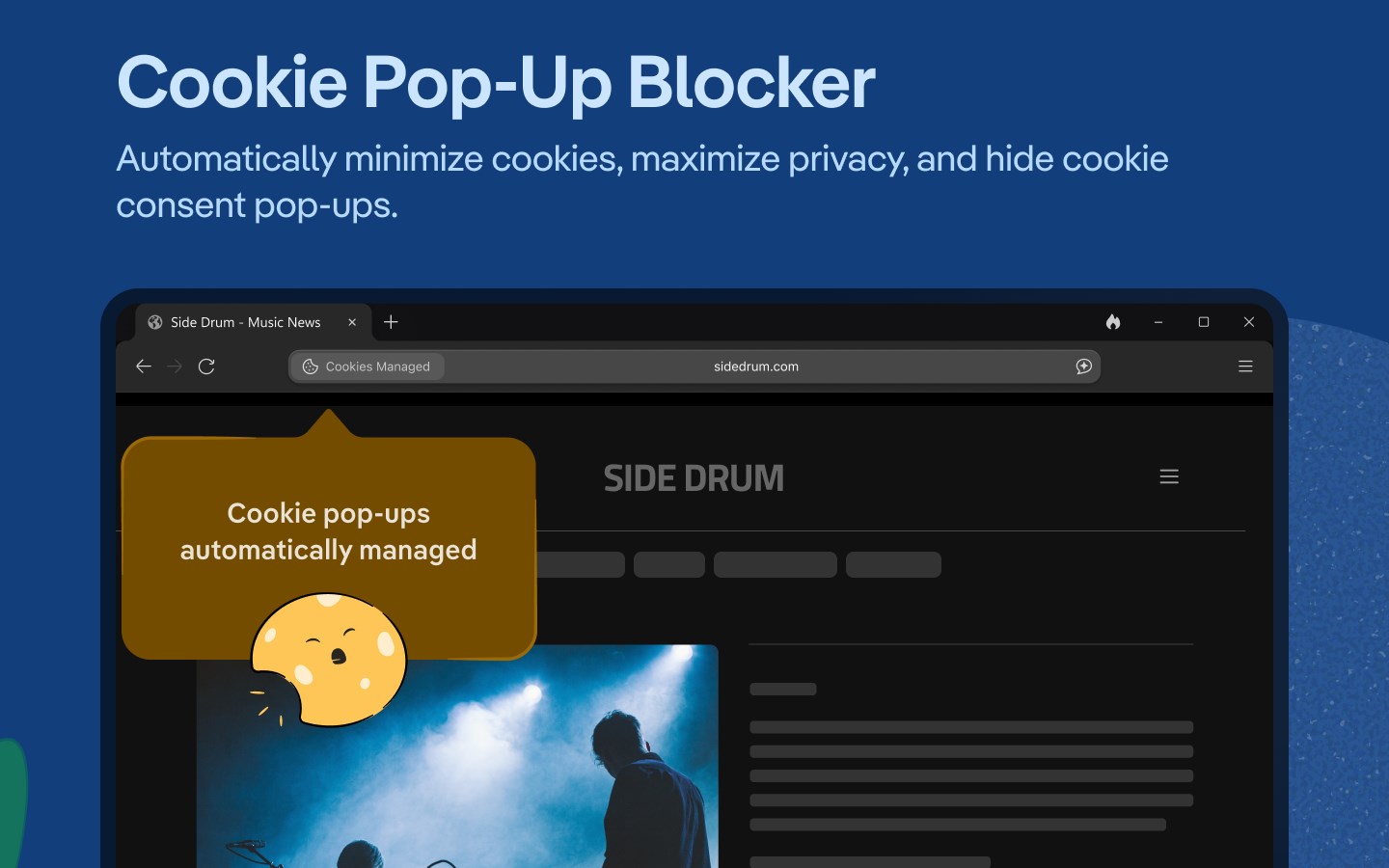
Right out of the box, the DuckDuckGo privacy browser works to secure your digital footprint. It actively blocks invasive third-party ad trackers and cookies that follow you across the web. While search engines like Google log your queries to build an advertising profile, DuckDuckGo’s integrated search function keeps your searches completely anonymous. Even when you click on search ads, your viewing experience remains private.
Next-Generation Features: Integrated Duck.ai
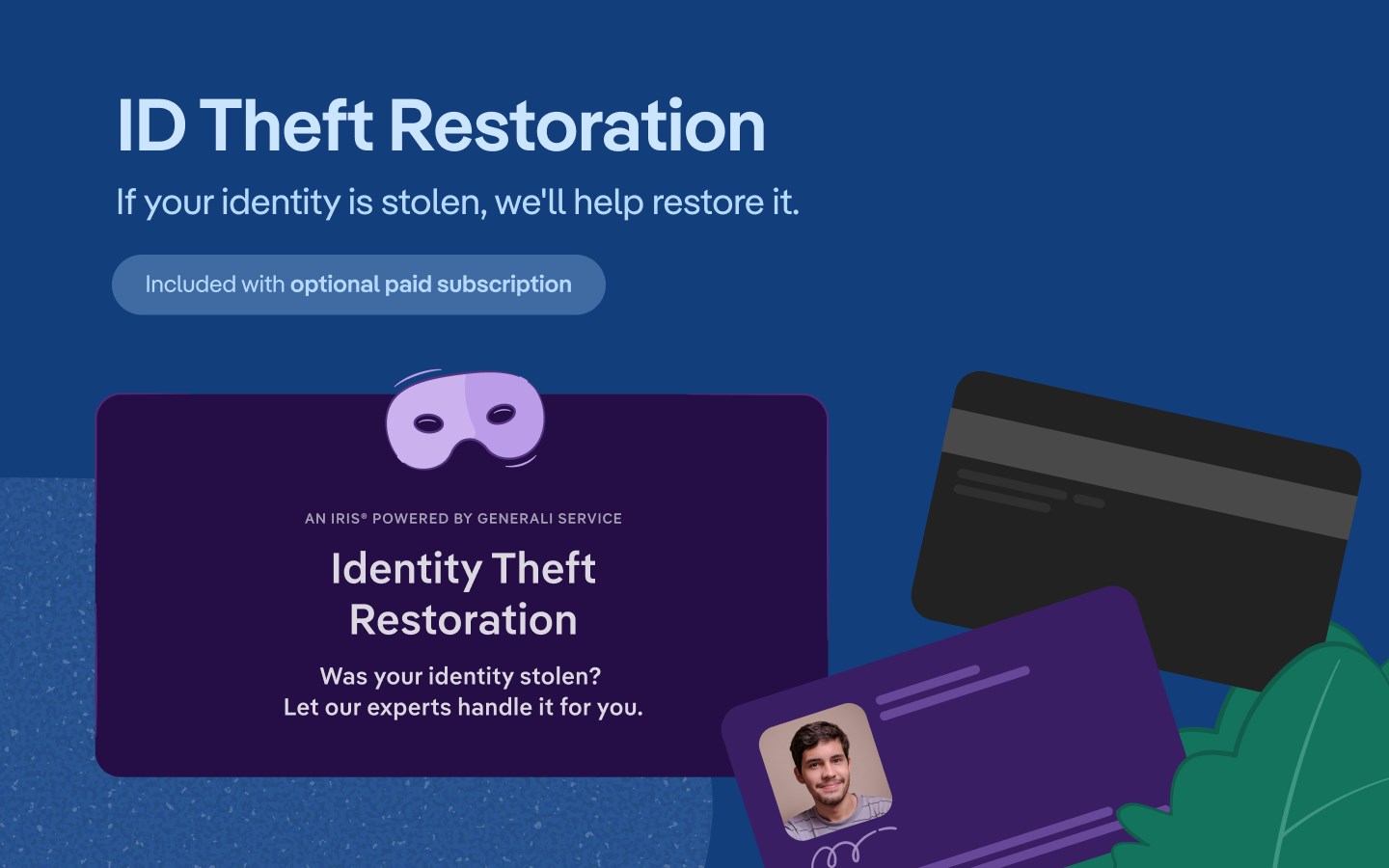
A standout addition to this browser is the optional integration of Duck.ai and Search Assist. These private artificial intelligence features allow you to interact with advanced models without worrying about your prompts being used for AI training. For users seeking even more utility, the optional DuckDuckGo subscription introduces a secure VPN for up to five devices, a personal information removal tool to clean up data broker sites, and dedicated identity theft restoration services.
Who Is This Privacy-First Browser For?
This software is ideal for Windows users who want a clean, fast web experience without the constant tracking. Whether you are researched-focused, privacy-conscious, or simply tired of targeted ads following your every move, the DuckDuckGo privacy browser provides an all-in-one desktop solution. It monetizes through non-intrusive, privacy-respecting search ads rather than profiling its user base.
Experience True Digital Discretion
If you are ready to take back control of your personal information, this browser offers a streamlined, secure environment for your daily web activities. To explore its features and integrate private search into your workflow, head over to the official Microsoft Store to acquire the application for your Windows device.